
How to Create Your
Growing Up Video
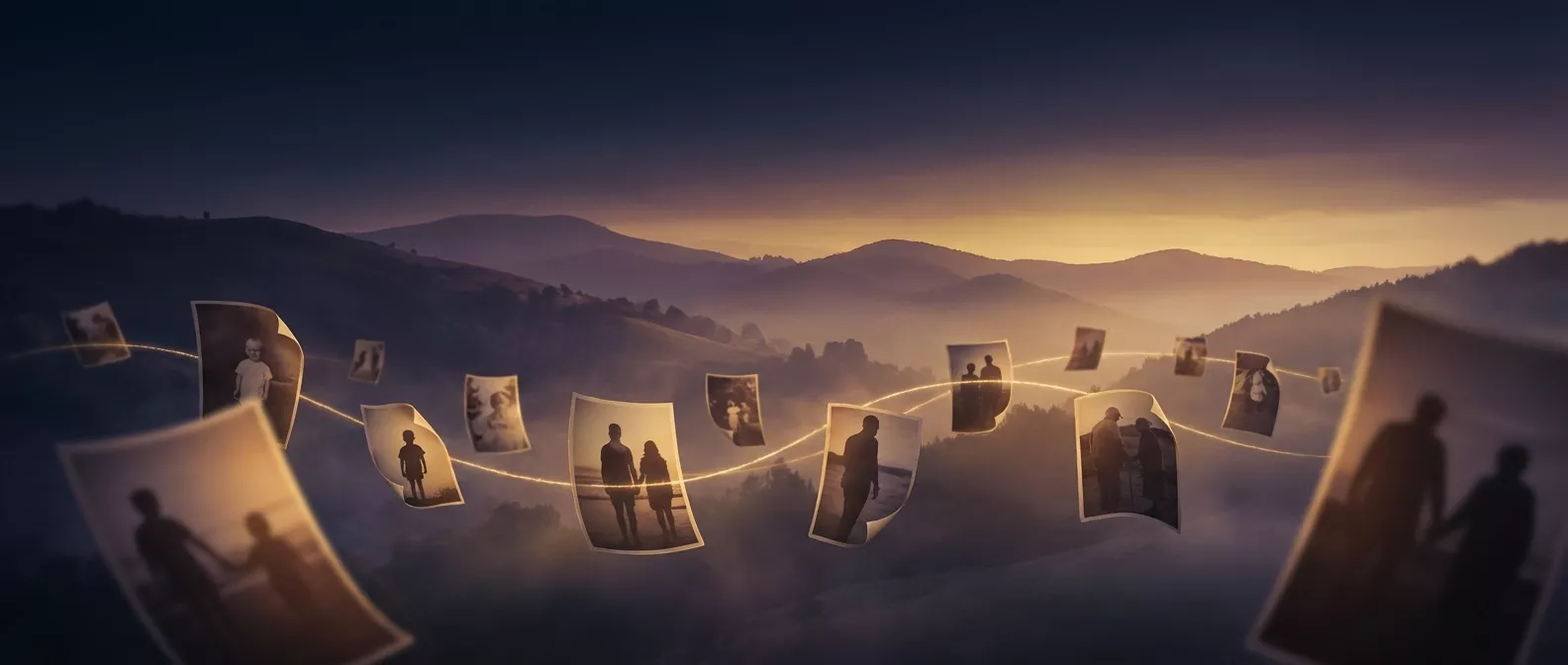
Upload a few photos, and our AI creates a cinematic morphing video showing years of growing up in seconds. No editing skills needed.
Pick Your Photos
Choose 2 to 8 photos of the same person at different ages. Baby photos, school pictures, graduation shots, recent selfies — the more ages you cover, the better the result.
- ✓ Any order — AI sorts them by age automatically
- ✓ JPEG or PNG, minimum 720 x 720px
- ✓ Front-facing photos work best
Crop and Upload
After selecting photos, you'll crop each one to a consistent aspect ratio so the faces align smoothly. Then they're uploaded securely to our servers. Your photos are encrypted and automatically deleted after 30 days.
AI Does the Magic
Our AI analyzes each face, estimates ages, and sorts the photos chronologically. Then it generates smooth, cinematic transition clips between each consecutive photo — morphing one age into the next seamlessly.
Download and Share
Your video is ready in 5-10 minutes. Download the MP4 and play it at a party, share it on social media, or send it to family. Add your own music with any free video app like CapCut or iMovie.
- ✓ Standard MP4 — works everywhere
- ✓ Perfect for Instagram Reels, TikTok, WhatsApp
- ✓ Cast or AirPlay to any TV or projector
Ready to Create Yours?
Upload your photos and have your video ready in minutes. From $4.90 per video, no subscription.