
Your Wedding Growing Up Video
From Childhood to “I Do”
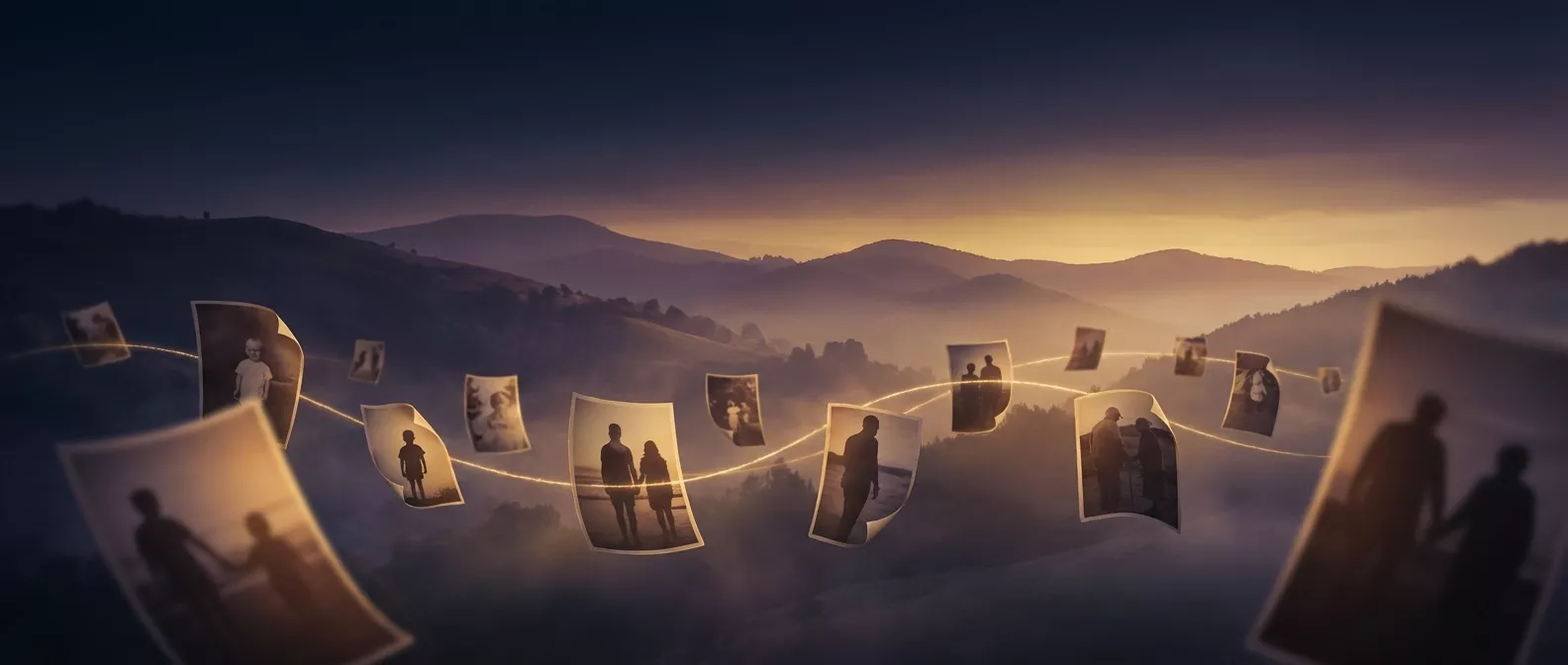
Watch the two of you grow together, from your first photo as a couple to the big day, in one cinematic morph.
No editing skills needed. Ready in under 10 minutes.
5-10 min
Ready to play
2-24 photos
Per video
MP4
Works everywhere
From $4.90
One-time payment
How to Make a Wedding Growing Up Video in 3 Steps
Gather a few childhood photos, upload them, and let AI create a cinematic morphing video that will have the whole room in tears.
1. Upload Photos
Gather 2-24 photos. For one video together, use photos of the two of you, from the year you met to today. For one video each, use photos of one person, from baby to today. Any order is fine.
2. AI Does the Magic
Our AI sorts photos by age and generates smooth, cinematic transitions — morphing one age into the next seamlessly.
3. Play at Your Wedding
Download the MP4 and play it at the reception, rehearsal dinner, or share it on social media. Add your own music in any video app.
Ways to Use It at Your Wedding
One video, countless moments. Here's how couples are using GrowingUpVideo on the big day.
Reception Slideshow
Play it on a screen during cocktail hour or between speeches. Guaranteed tears.
Save-the-Date
End on your engagement photo, add your names and date in CapCut or Canva, and send it to guests or post it as a pre-wedding teaser.
Bridesmaid Gift
Surprise the bride or groom with a video made from photos you've collected over the years.
Speech Opener
Open your best man or maid of honor speech with a video that sets the emotional tone.
For Your Growing-Up Slideshow or Wedding AVP
Building a growing-up AVP or a bride and groom slideshow for the reception? Use the morph as its opening scene. Play the 25-second video first, then cut to your full photo montage. The room is hooked before the first still appears.
It also saves you the template hunt. Instead of fitting photos into a wedding AVP template and adjusting transitions one by one, you upload the photos and the AI builds the transitions for you. Drop the finished MP4 into PowerPoint, Canva, or CapCut, or hand it to the venue on a USB drive.
Start your slideshow opener arrow_forwardHow to Make a Bride and Groom Growing-Up Slideshow
Most couples finish it in an evening. The slow part is getting photos out of both families, so start four to six weeks before the wedding.
- 1
Ask both families early
Text each set of parents and ask for one photo per stage: baby, school age, teens, and the year you met. A phone photo of a print works fine if you shoot it in daylight without flash.
- 2
Pick your format
Childhood photos make one video each: a baby-to-today morph for the bride and one for the groom, played back to back. Photos of the two of you make one video together, from the year you met to the wedding. A single video cannot switch between the bride and the groom, so keep the same people in every photo.
- 3
End on the wedding year
Close each solo video on a recent photo, and the couple video on your engagement photo. That last frame is where the room reacts.
- 4
Pick a length and a song
Each transition runs about 5 seconds, so 8 photos make about 35 seconds. Play it as the opener, then cut to the full photo montage. The song you walk in to or your first-dance song ties it to the day.
- 5
Hand it to the DJ early
Send the MP4 to the DJ or venue a week before, bring a copy on a USB drive, and ask for a sound check during setup.
Bride & Groom in One Video
The signature wedding format: both partners in the same frame, aging together across every transition, from your first photos as a couple to the wedding day. Every photo needs both of you in it. For your childhood years, make one video each (below).
Create Your Wedding VideoOr: One Video Each
Have childhood photos of each of you? This is the format for them. Order a solo growing-up video for the bride and one for the groom, baby to wedding day, and play them back to back at the reception, in a speech, or as paired save-the-dates.
Start a solo video arrow_forwardSimple, transparent pricing
A fraction of the cost of traditional wedding videography. No subscriptions, no hidden fees.
Satisfaction Guarantee
Not satisfied? Full refund minus $3 processing costs, no questions asked.
Privacy First
Your photos are encrypted and automatically deleted after 30 days.
One-Time Payment
No subscriptions. Pay per video.
Try it first for just $4.90
First Taste: a short video from up to 5 photos, once per customer
Up to 8 photos, or up to 24 for a little more
Create Your Wedding VideoSecure payment processing
Wedding Growing Up Video FAQ
Everything you need to know about creating a wedding morphing video.
More Ways to Celebrate the People You Love
From the couple to the whole family, every story makes a great morphing video.
Make Your Bride and Groom Growing Up Video
From the first photo to the big day — create a video your guests will never forget.
Create Your Wedding Video