
See the result before you go all in. One short video from 5 photos.
- check_circleUp to 5 photos (4 transitions)
- check_circleRedo 2 segments
- check_circlePrivate & secure storage
- check_circleNo watermarks
One per customer
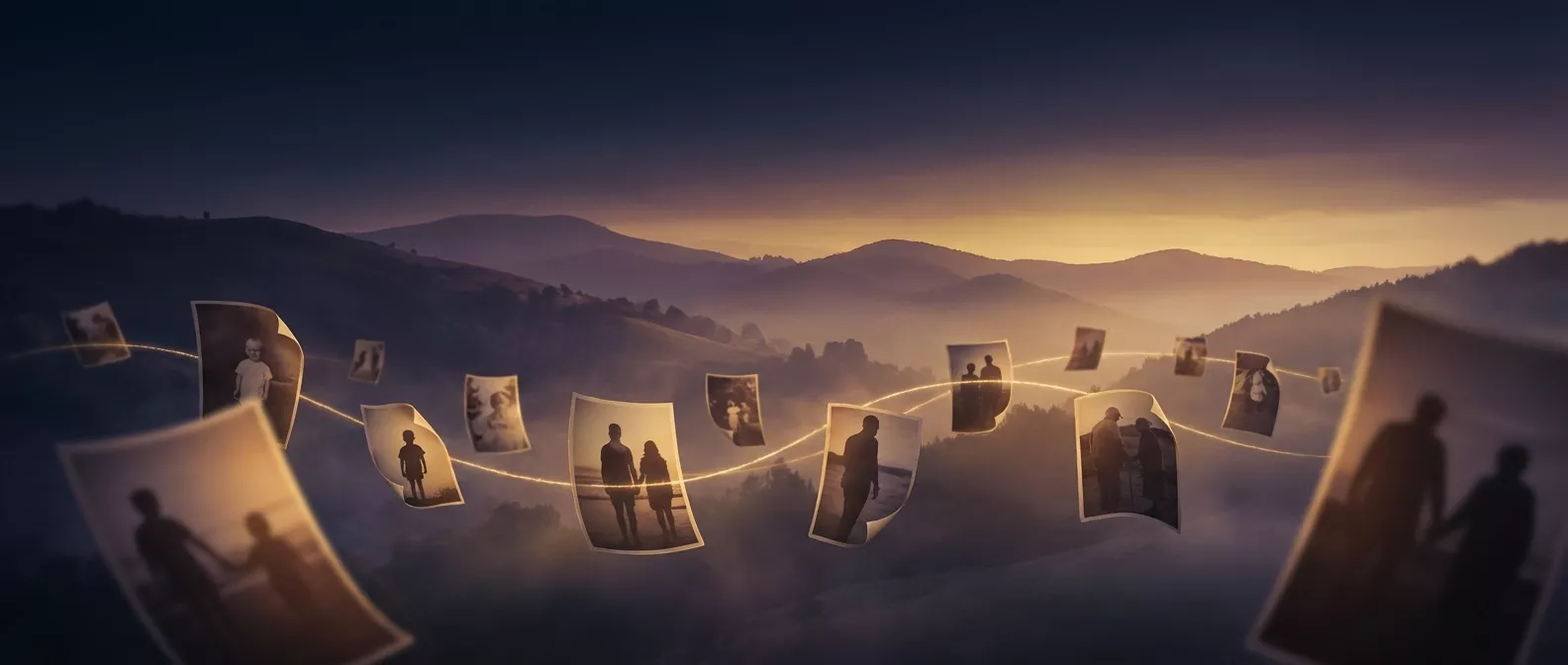
Upload a few photos, and our AI creates a cinematic morphing video showing years of growing up in seconds. No editing skills needed.
Choose 2 to 8 photos of the same person at different ages. Baby photos, school pictures, graduation shots, recent selfies — the more ages you cover, the better the result.
After selecting photos, you'll crop each one to a consistent aspect ratio so the faces align smoothly. Then they're uploaded securely to our servers. Your photos are encrypted and automatically deleted after 30 days.
Our AI analyzes each face, estimates ages, and sorts the photos chronologically. Then it generates smooth, cinematic transition clips between each consecutive photo — morphing one age into the next seamlessly.
Your video is ready in 5-10 minutes. Add a soundtrack right in the app from our music library or your own track, then download the MP4 to play at a party, share on social media, or send to family.
One-time payment, no subscription. Pay only when your video is ready to download.
See the result before you go all in. One short video from 5 photos.
One per customer
Our proven model, and your video stays private. Beautiful, smooth transitions from start to finish.
Our best engine. Cutting-edge facial feature adherence for our most lifelike faces yet.
One per customer
Give it a tasteThe photo count on each plan is adjustable — roll it up to 24 and the price updates.
Upload your photos and have your video ready in minutes. From $4.90 per video, no subscription.
Create Your Video